
Switching from cable to IPTV in the United States is no longer a niche move. What used to be a hobbyist workaround is now a mainstream way to watch live sports, network TV and on-demand movies without a two-year contract or a $150 monthly bill.
The problem is the market itself. Search “best IPTV service USA” and you get dozens of ranked lists, most of them affiliate pages that recommend whoever pays the most. Provider names appear and disappear within months. Channel counts get inflated. “Free trial” sometimes means a link that never arrives.
This guide takes a different approach. Instead of naming a top ten that will be outdated by autumn, it explains the criteria that actually determine whether an IPTV subscription works well in the US — so you can evaluate any provider yourself, including this one.
Table of Contents
What IPTV actually is
IPTV stands for Internet Protocol television: TV delivered over your internet connection rather than a coaxial cable, satellite dish or antenna.[1] Technically, that includes mainstream services you already know — a live TV app from a major carrier is IPTV too.
In everyday usage, though, “IPTV service” usually means a subscription that gives you a login and a large lineup of live channels plus a video-on-demand library, which you load into a player app on your TV or streaming stick. There is no installer visit and no rented box. You pay, you receive credentials by email, you enter them in an app, and channels appear.
Why US viewers are looking at IPTV in 2026
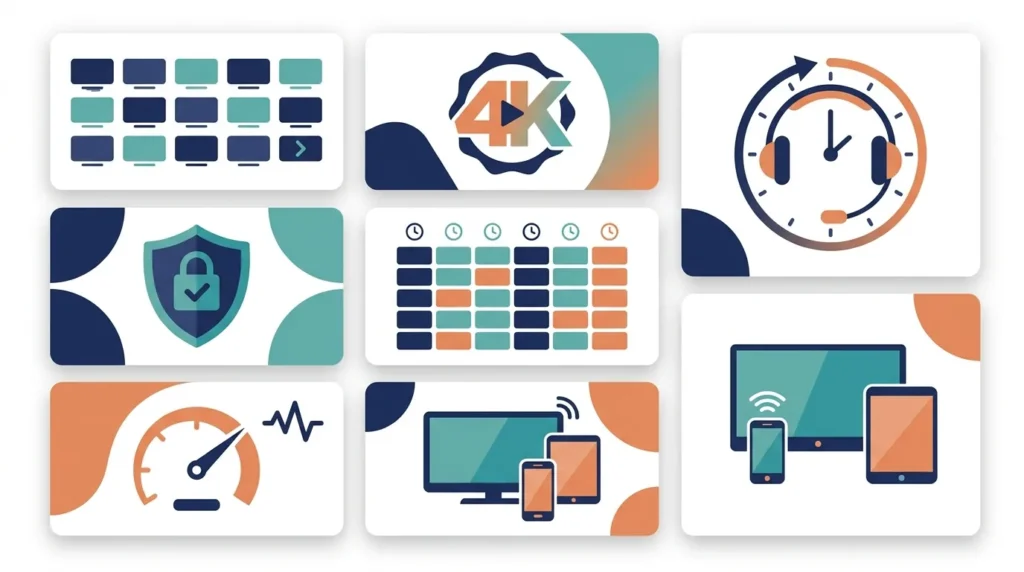
Three pressures are pushing American households toward IPTV.
Cost stacking. The original cord-cutting promise was cheaper TV. In practice, a household that wants live sports, a couple of prestige drama services and a kids’ library ends up paying for four or five subscriptions at once — often more than a mid-tier cable package.
Sports fragmentation. Watching a full NFL, NBA, NHL or MLB season now means following games across broadcast networks, cable channels, and platform-exclusive deals. Every season, more games move behind another paywall.
Device freedom. People want to watch on a Firestick in the bedroom, a phone on the train and a smart TV in the living room — without a set-top box per room.
An IPTV subscription addresses all three by consolidating channels into one login. That is the genuine appeal. It is also why quality varies so much: consolidating thousands of channels reliably is hard, and many providers do not do it well.
The 7 criteria that separate a good IPTV service from a bad one
1. Channel lineup that matches what you actually watch
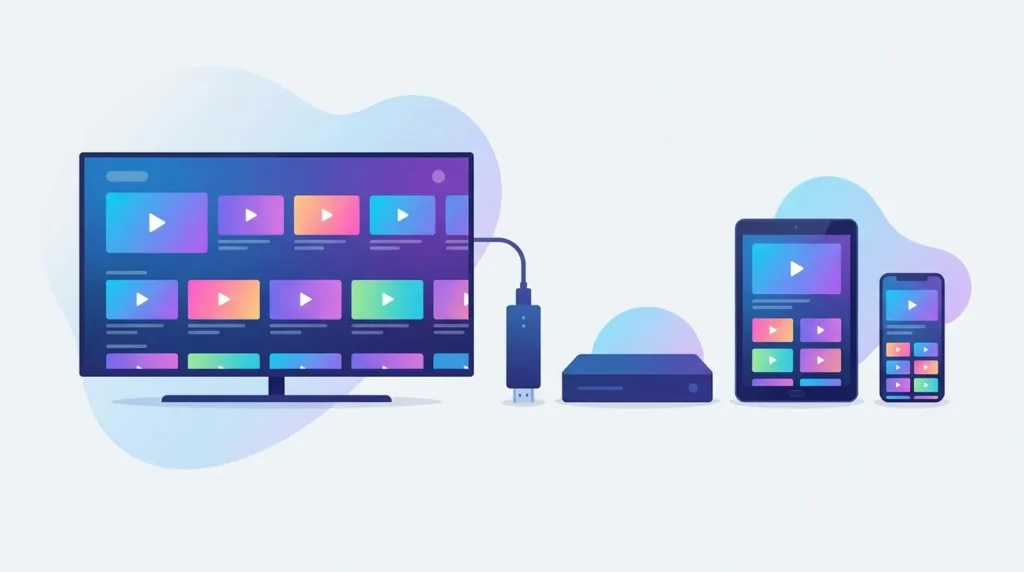
A headline number like “30,000+ channels” tells you almost nothing on its own. Most of those channels will be from regions you never watch. What matters is whether the lineup includes the specific things you turn on every week:
The major US networks — ABC, NBC, CBS and FOX — for primetime, news and nationally broadcast games.
The sports channels your leagues live on, including regional coverage if you follow a local team.
The premium movie channels and the VOD catalogue depth for films and series.
Kids’ and family channels if you need them.
Before paying, ask the provider directly whether the specific channels you care about are included. A provider that answers precisely is a better sign than one that repeats a big number.
2. Stream stability under load
Stability is the single biggest difference between a service you keep and one you cancel. A stream that looks perfect on a Tuesday afternoon can stutter badly during a Sunday afternoon NFL slate, when everyone is connected at once.
What to look for:
A stated uptime commitment, and support that will discuss server load honestly.
Anti-freeze or load-balancing technology across multiple servers.
A trial period that lets you test during peak hours, not just off-peak.
Test during a live event before you commit to a long plan. That is the only meaningful test.
3. Real 4K and HD quality — not just a label
Many services advertise 4K while delivering upscaled HD on most channels. In practice, expect that only a subset of channels are genuinely 4K, that most live sports run in FHD, and that HEVC support matters for keeping bandwidth manageable at high resolution.
Also check your own side of the equation: a stable connection of roughly 25 Mbps or more per 4K stream is a reasonable planning figure, and a wired ethernet connection to your TV will always outperform Wi-Fi for live sports.
4. A working EPG (TV guide)
An electronic program guide is what makes an IPTV service feel like television rather than a list of URLs. Without it, you are scrolling blindly through thousands of channel names.
A good EPG shows accurate programme titles and times for the channels you actually use, in your own time zone. Ask whether the guide covers US channels specifically — some providers have strong international EPG data and weak US data.
5. Device compatibility
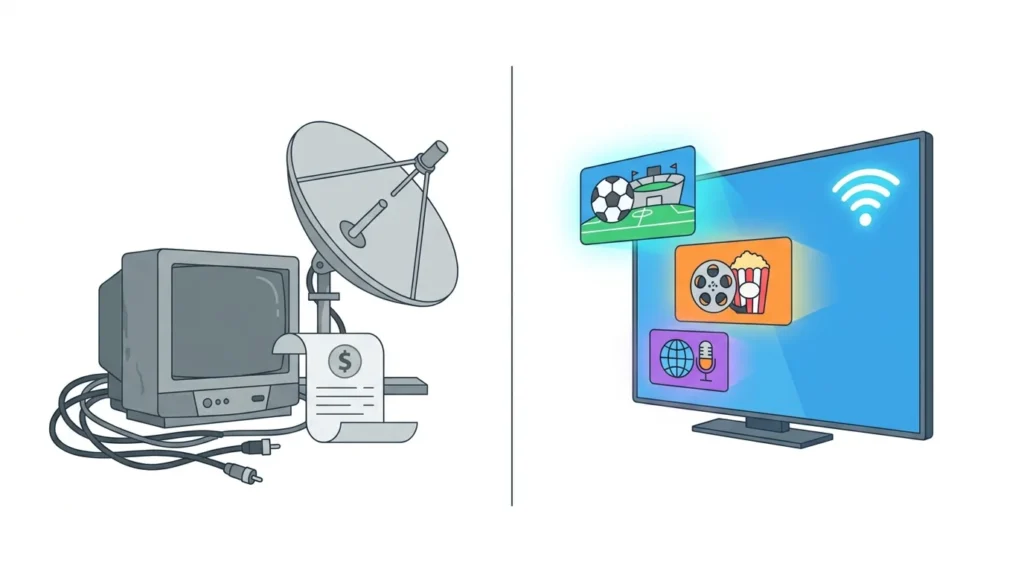
Most US households will use one of these:
Amazon Fire TV Stick — the most common IPTV device in the US, cheap and easy to sideload player apps onto.
Smart TVs (Samsung, LG, Sony) — convenient, no extra hardware, though app availability varies by TV platform.
Android TV / Google TV boxes — the most flexible option for player apps.
Phones and tablets — for watching away from home.
Check two things: that the provider supports your device, and how many simultaneous connections your plan allows. A single-connection plan means one person watching at a time — a common source of frustration in family households.
6. Support you can reach when a game is starting
Streaming problems happen at the worst possible moment. Support that answers within minutes on WhatsApp or live chat is worth more than a ticket form with a 24-hour response window. Test support responsiveness before you buy — send a pre-sales question and time the reply.
7. Payment protection and a refund policy
This is the most overlooked criterion, and the one that protects you most.
Prefer providers that accept credit cards or PayPal, which give you buyer protection. Be cautious with services that only accept cryptocurrency or gift cards.
Look for a clearly stated money-back window and read what it actually covers.
Start with the shortest plan available. A 12-month plan is only better value if the service is still good in month eleven.
Legality and safety: what to know before you subscribe
IPTV as a technology is entirely legal. The legal question is about content licensing: whether the provider holds rights to redistribute the channels it offers. Services that carry large bundles of premium networks and pay-per-view events at a fraction of retail price raise obvious questions about how those rights were obtained.
What that means practically for a US subscriber:
Verify who you are buying from and what the terms of service say.
Keep payment traceable and protected.
Understand that a provider that disappears takes your remaining subscription with it — another reason to prefer short initial plans.
A full breakdown is coming in [Future article: Is IPTV Legal? What US and Canadian Streamers Should Know].
How to test a provider in 30 minutes
Ask pre-sales whether your five must-have channels are in the lineup. Note how specific the answer is.
Request a trial and activate it during a live sports window.
Load the service in a player app on the device you will actually use.
Check the EPG on ten US channels for accurate titles and times.
Flip between five channels and time how long each takes to load. Anything consistently over a few seconds is a bad sign.
Play a 4K or FHD stream for fifteen minutes uninterrupted and watch for freezing.
Send one support question and time the response.
If a provider passes all seven, a short paid plan is a reasonable risk. If it fails two or more, walk away — there is no shortage of alternatives.
How WatchdogEntertainment plans compare
For transparency, here is how our own service maps to the criteria above, based on our current published plans:
| Plan | Price | Included |
|---|---|---|
| 3 months | $39.99 | 30,000+ channels with EPG, 140,000+ VOD, SD/HD/FHD/HEVC/4K, VIP channels, anti-freeze technology, 99.9% uptime target, 24/7 support |
| 6 months | $49.90 | Same as above — best per-month value |
| 12 months | $69.99 | Same as above, plus 4K Ultra HD content |
Other details worth knowing: credentials are emailed within 10–30 minutes of payment; the service works on Firestick, Samsung/LG/Sony smart TVs, Android TV, Android and iOS devices and MAG boxes; US networks (ABC, NBC, CBS, FOX) and PPV events are included; card and PayPal payments are accepted; and there is a 7-day money-back guarantee. A trial is available on request via WhatsApp or live chat.
We would rather you run the 30-minute test above than take our word for it.
The bottom line
There is no single “best IPTV service in the USA” for everyone in 2026. A household that mainly watches NFL has different requirements from one that wants a deep movie library or international channels. What does hold true for every US subscriber is the checklist: verify the channels you need, test stability during peak hours, confirm a working EPG, check device and connection limits, test support, and protect your payment with a short first plan and a real refund window.
Run that process on any provider — including this one — and you will end up with a service you keep instead of one you cancel in week three.
FAQ
What is the best IPTV service in the USA in 2026?
There is no universal answer, and any list claiming one should be treated carefully. The right provider depends on which channels and sports you watch, how many people stream at once, and which devices you own. Use the seven criteria in this guide to evaluate any service against your own needs.
How much should a US IPTV subscription cost?
Publicly advertised plans vary widely across the market. Judge value by cost per month over the plan length, how many simultaneous connections are included, and whether there is a refund window — not by the headline price alone.
Is IPTV legal in the United States?
The technology is legal. The legal risk relates to whether a specific provider is licensed to redistribute the channels it offers. Check the provider’s terms, use traceable and protected payment methods, and start with a short plan.
Do I need a VPN for IPTV?
A VPN is not required. Some subscribers use one for privacy or when an internet provider throttles streaming traffic. If you plan to use one, tell your provider first, since some services need to allow VPN access on your account.
What internet speed do I need for IPTV?
As a planning guide, allow roughly 10–15 Mbps per HD stream and around 25 Mbps or more per 4K stream, multiplied by the number of people streaming at once. A wired ethernet connection is noticeably more reliable than Wi-Fi for live sports.
Can I watch US sports and PPV events on IPTV?
Many services include US networks and pay-per-view events, but coverage varies by provider and by event. Always confirm the specific league or event before subscribing, and test during a live broadcast.
Which device is best for IPTV in the US?
The Amazon Fire TV Stick is the most popular choice because it is inexpensive and widely supported. Android TV and Google TV boxes offer the most player-app flexibility, and most modern Samsung, LG and Sony smart TVs work without extra hardware.